
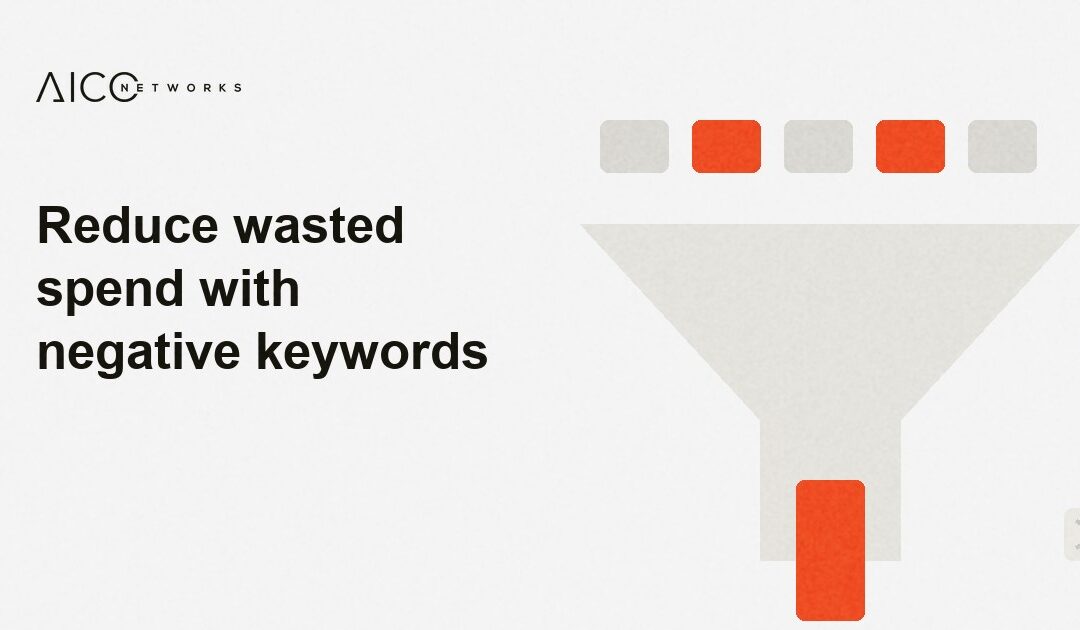
Google Ads negative keywords prevent ads from appearing for unsuitable search queries. This protects your budget from clicks by people who are not looking for a relevant service.
A keyword alone is rarely enough.
Google may also show your ads for search queries that only partly match your offer. You therefore need to review what people actually enter before they click. Only then can you see which terms belong on the negative keyword list.
A negative keyword is not a solution for a weak campaign. If your ad and landing page do not clearly state what you offer, they will continue to attract unsuitable clicks. Negative keywords therefore support a clear account structure.
The search terms report is the most important source
The search terms report shows the queries for which Google displayed your ad. It does not only show your chosen keyword. You see the words potential customers actually used to search.
Start with search queries that generated clicks and costs. These terms have already incurred costs. Then review queries without clicks if they received many impressions and do not match your offer.
Always read the full query.
A single word can indicate different intentions. The word “free”, for example, may point to a download. But it may also appear in a search for a free initial consultation. You should therefore not exclude words without context.
A provider of CRM implementation services may see an unsuitable query in “download CRM for free”. The user is probably looking for software to download. By contrast, “CRM consulting free initial consultation” may be relevant.
These search queries often do not match your offer
Many B2B accounts receive clicks from people looking for a job. Others search for templates or explanations for school and university. These queries usually do not lead to suitable enquiries.
Searches for services you do not offer also cost money. A software implementation company, for example, does not need clicks for private computer repairs. A regional service provider often does not want enquiries from locations it does not serve.
These groups are often a useful starting point for your review:
- Job searches: “job”, “vacancy”, “salary” or “internship”
- Learning: “training”, “degree”, “course” or “exam”
- Free content: “free”, “download”, “PDF” or “template”
- Incorrect offers: services, products or brands you do not offer
- Incorrect locations: cities, countries or regions outside your service area
The list is only a starting point. A term may be relevant in your case. If you sell training courses, “course” is not a negative keyword. The same applies to “template” if templates are part of your offer.
Negative keywords must fit the campaign
Google Ads allows exclusions at several levels. You can set them for the entire account, a campaign or only an ad group. Choose the narrowest suitable level.
Account-wide lists are suitable for terms that never match your business. These often include jobs or internships. This means you do not have to maintain the same exclusion again in every campaign.
Individual offers often require a campaign-level list. A company may sell software and offer training at the same time. In that case, “training” must not be blocked across the whole account. In a software-only campaign, however, the exclusion may still make sense.
Ad groups sometimes need their own rules. This applies in particular to similar services. An ad group for “implement CRM” and another for “CRM consulting” may otherwise take clicks from each other.
Lists that are too broad restrict relevant queries.
The exclusion type makes a difference
Negative keywords can use broad match, phrase match and exact match. This setting determines how closely a search must match the exclusion. It is therefore worth reviewing the setting before you save it.
A broad match negative keyword applies to search queries containing the excluded term. This can make sense when a word is always irrelevant. For terms with multiple meanings, however, this option is risky.
A phrase match exclusion blocks a fixed sequence of words. This works well for queries such as “download CRM for free”. The word “CRM” remains available for other search queries.
An exact match exclusion is narrower. It blocks only that exact query. This gives you more control, but covers fewer search variations.
Google handles negative keywords differently from regular keywords. Misspellings or plural forms are not always covered automatically. Check later whether new variants appear.
Not every poor query needs an exclusion
Sometimes the search query fits, but the ad is too broadly worded. People then click even though they expect something else. In this case, an exclusion has only limited value.
Review the ad copy. Does it clearly state who your offer is for? Does the ad name the service, location or type of project? This information often filters more effectively than a long list of exclusions.
The landing page also matters. When an ad leads to a general homepage, the homepage often lacks a clear answer to the search query. A suitable page needs to show what is offered and who it is for.
Your sales team provides important insights.
Ask which enquiries are filtered out later. Perhaps many contacts come from companies that are too small. Perhaps prospects are looking for a service that is not offered. This feedback belongs in your Google Ads work.
“Qualify leads before sales time is wasted” shows how you can define criteria for suitable contacts in advance. This gives you a clear standard for assessing search queries.
Maintain negative keyword lists regularly
A negative keyword list does not stay complete for long. New offers, new campaigns and changing search trends change the situation. The list therefore needs a regular review date.
Add a brief reason for important exclusions. This helps when someone else takes over the account later. Without a note, someone may remove a term even though it prevented many unsuitable clicks.
Review your budget alongside search queries. When unsuitable terms generate costs, less budget remains for relevant searches. “Plan your Google Ads budget with purpose” puts this decision in the context of campaigns and demand.
Fewer clicks can make sense.
What matters is whether the remaining clicks match your offer. Google Ads negative keywords help you separate queries more clearly and understand your campaign better.
Frequently asked questions
Which Google Ads negative keywords do I need first?
Start with search queries that clearly do not match your service. Jobs, internships and incorrect products are often good first candidates. However, review every term in the context of your offer.
How often should I review negative keywords?
Review new search queries regularly, especially after launching a campaign. You should also check immediately when your offer changes. High costs or many new clicks are reasons for shorter review intervals.
Should I add competitors as negative keywords?
Only exclude competitor names after reviewing them. Some people compare providers and are still looking for a suitable solution. If these clicks do not produce suitable contacts, an exclusion may make sense.
What is the difference between a keyword and a negative keyword?
A regular keyword can trigger your ad. A negative keyword prevents the ad from appearing for certain search queries. Both settings need to work together so that no relevant search is blocked.
Can negative keywords reduce my reach too much?
Yes, very broad exclusions can block relevant search queries. You should therefore treat words with multiple meanings carefully. A phrase match or exact match exclusion is often the better choice.
REVIEW YOUR ACCOUNT
Manage search queries precisely
Google Ads needs clear rules for search terms, ads and landing pages. Otherwise, clicks go to queries that do not match your offer.
AICONETWORKS reviews campaigns, search queries and the path from click to qualified lead as one connected process.
Discuss your project